

Reset your Voicemail PIN

Sep 17, 2026
5141

These instructions are for any user that has a voicemail assigned. Departmental accounts or any shared extension NOT assigned to a user in Active Directory will need to be reset by admins. Please open a ticket if you require more information.
To reset the PIN for your Voicemail, please follow the following steps:
-
Log into this web address with your AD Credentials -
https://rwnclg-cxn-pri.rwnclg.cbts-ehcs.com/inbox/ -
At the top left click on the settings tab. A new tab will open.
-
Again, on the top click on the Passwords tab and Change PIN button.
-
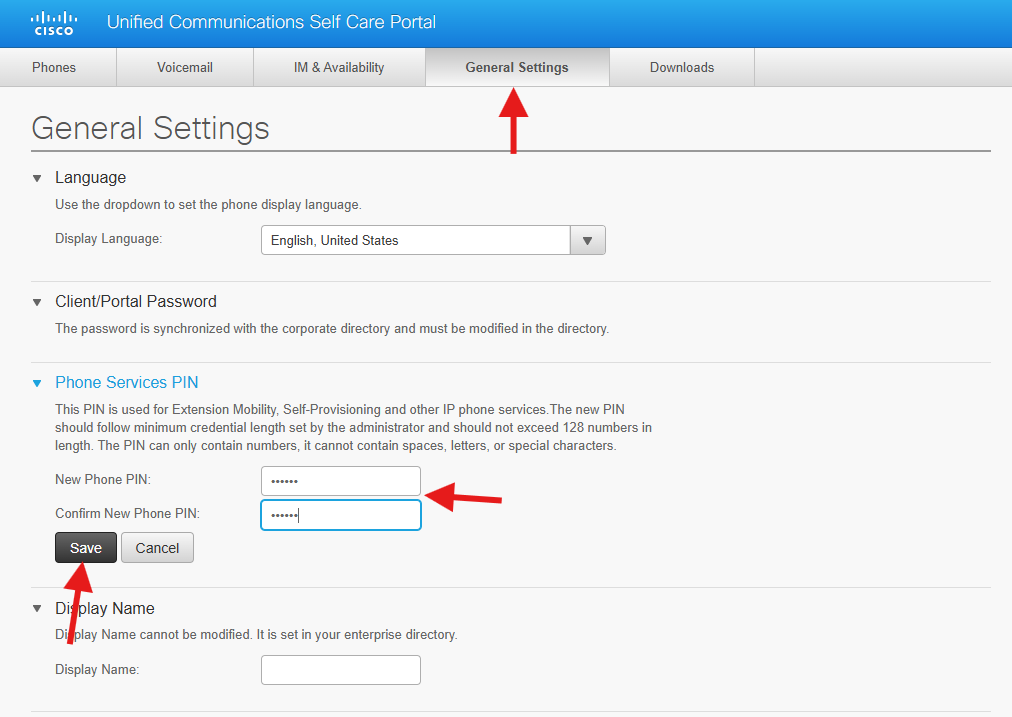
Enter a new PIN, 6 or more digits using only numbers.
-
Click on the save button
-
If you run into any issues with this process, please feel free to submit a help desk ticket for additional support by clicking Submit a Ticket at the top of this page.


